Time Split#
Time-based k-fold validation splits for heterogeneous data.
Experimenting with parameters#
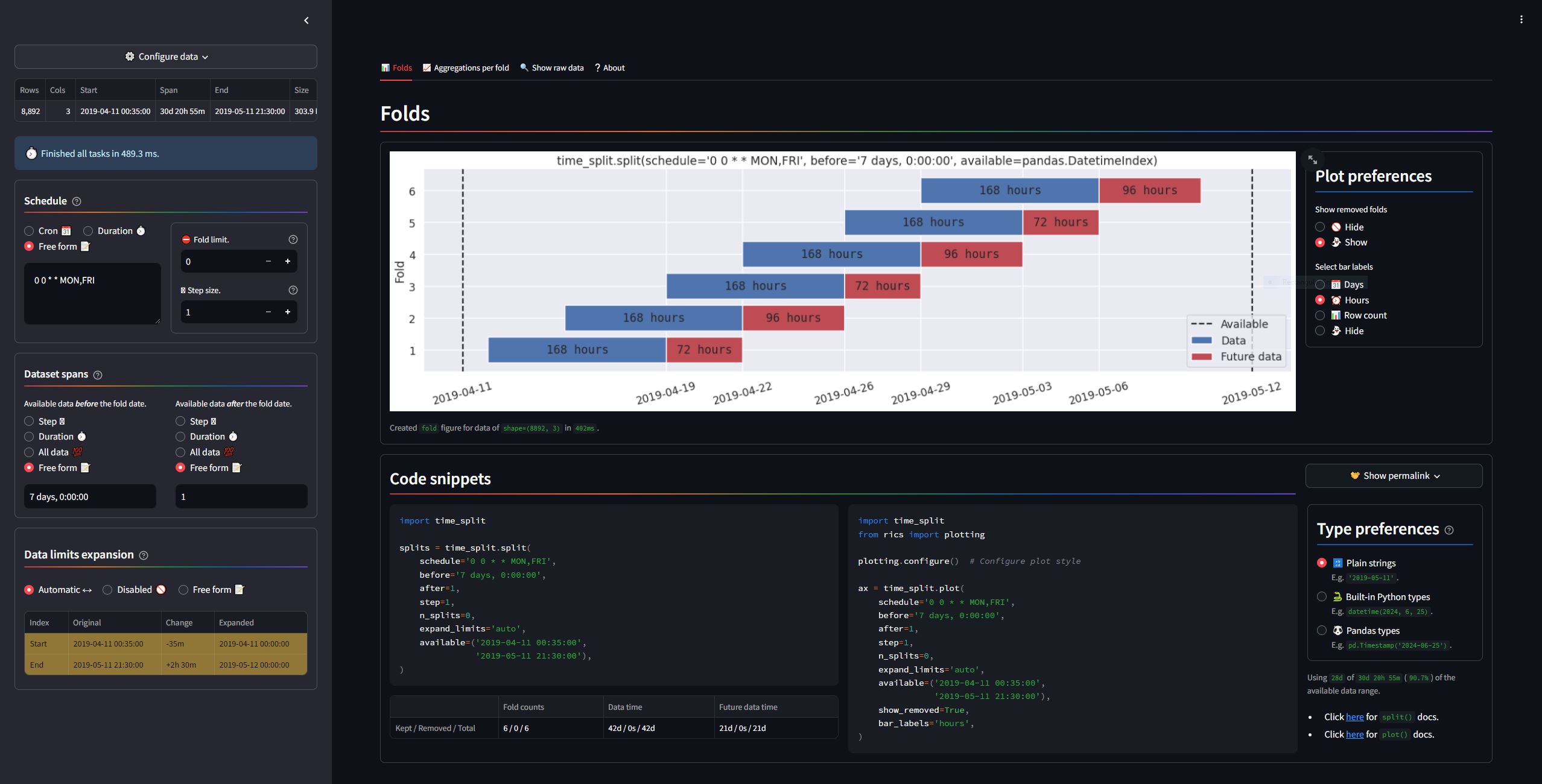
The Time Split application
(available here)
is designed to help evaluate the effects of different
parameters.
To start it locally (requires the time-split[app] extra), run
python -m time_split app start
in the terminal. Alternatively, you may run
docker run -p 8501:8501 rsundqvist/time-split
to start the application using 
See also
Click here to go to the public API of the application.
Use create_explorer_link() to build application URLs with preselected splitting parameters.
Parameter overview#
Overview of parameters used by time_split.split() and plot(). Integrations such as
split_pandas() may add or remove parameters, but the base function remains the same unless
otherwise stated.
Name |
Default |
Type |
Description |
|---|---|---|---|
|
N/A |
Valid
|
Generates training dates (
|
beforeafter |
= ‘7d’
= 1
|
Valid
|
Range before/after schedule timestamps. The default |
|
= 1 |
|
Keep every step:th fold in the schedule. Default (1) =keep all. |
|
= 0 |
|
Maximum number of folds. Default (0) =keep all. |
|
= |
Limits |
|
|
= ‘auto’ |
Valid
|
Expand available data outward to its likely “true” limits. Disabled if Example: Passing |
|
= |
|
A callable |
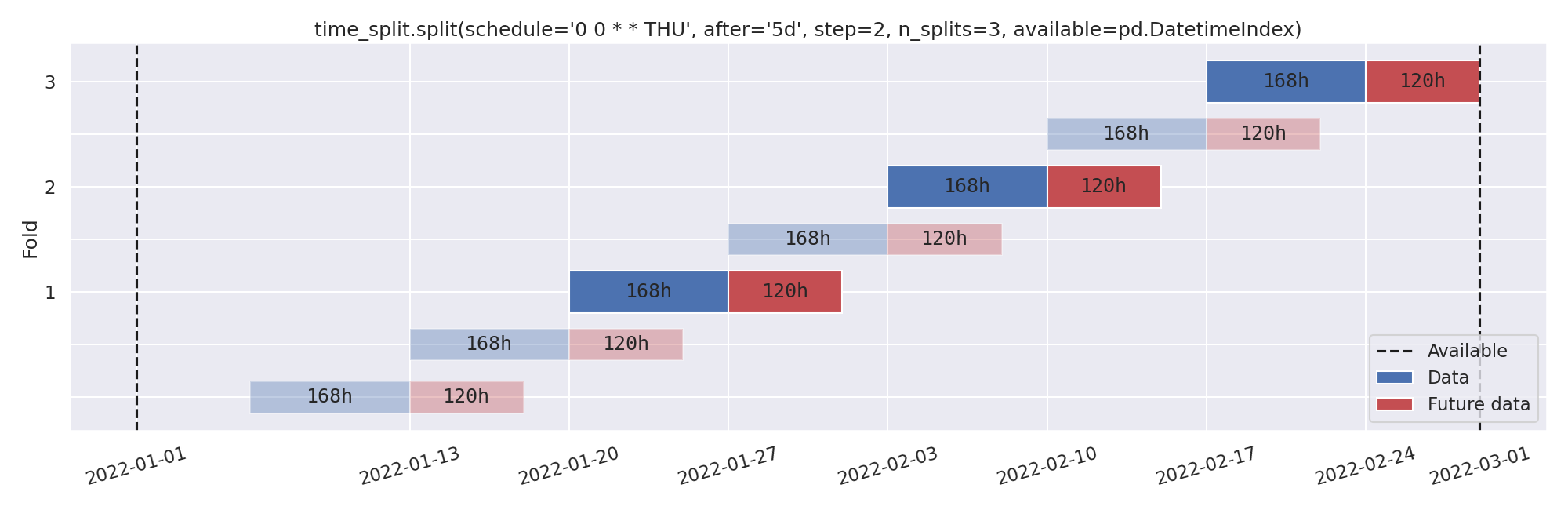
Later folds are always [3] preferred. For more information about the schedule, before/after and expand_limits-arguments, see the User guide. See the Examples page for plots using the various parameter options.
Footnotes
Shortcuts#
Click an image below to get started, or use the top navigation bar.